Choose an area and the screenshot is in the notch and on the clipboard, ready to paste into a chat or drop into Finder. Or capture the words in it instead.
Free for 7 days. Then $9.99, once. macOS 14 or later.
Copy text from anythingCapture Text reads the words in an area of the screen, a video, a picture or a slide, and puts them on the clipboard. On your Mac.
Record the screenStart and stop a recording from the notch; the movie is held out ready to drag.
Watch an areaDraw round a score, a progress bar or a price, and the notch tells you when what it says changes.
And when you highlight text
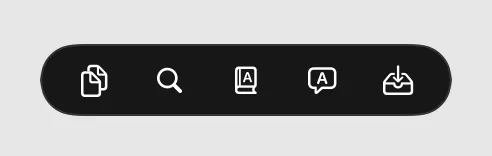
Highlight words in any app and a small bar appears over them: copy, search the web, look it up, translate, or keep it on the Shelf.
Capturing and recording need Screen Recording access; the notch asks for it the first time and says why.
Questions
Is the text read online?
No. Text is recognized by macOS on your Mac.
Where are screenshots saved?
Where your Mac saves its own screenshots, usually the Desktop, and they go on the clipboard too.
 Tilora
Get Tilora
Tilora
Get Tilora