⌃⌥ with an arrow puts the front window where you want it: ← and → for half the screen, ↑ for all of it, ↓ for the middle. A frosted preview shows where it’s going.
Free for 7 days. Then $9.99, once. macOS 14 or later.
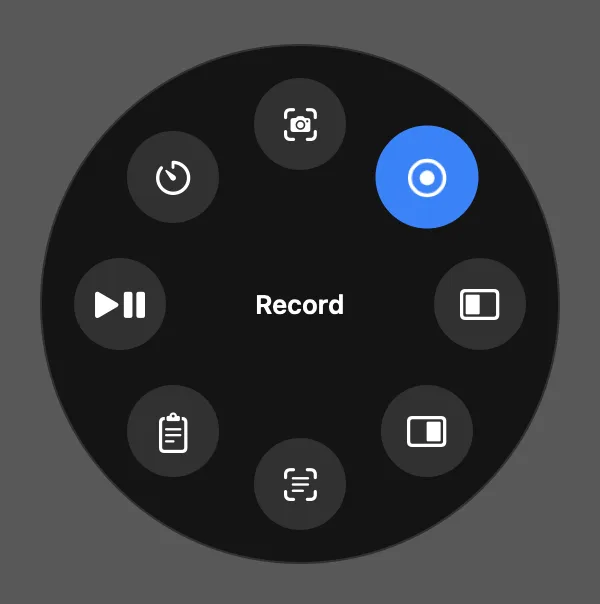
The action ringHold ⇧⌥Space and eight actions come to the pointer: capture, record, snap left or right, grab text, the clipboard, play, a timer. Move onto one and let go.
Your keysEvery shortcut can be changed or turned off in Settings.
No extra appSnapping comes with Tilora, beside everything else in the notch.
What it needs
Moving another app’s window needs Accessibility access, which macOS asks you for once. If it isn’t given, the notch says so and opens the right page of System Settings.
Questions
Does it work with every app?
With any app whose windows macOS lets other apps move, which is nearly all of them.
Can I use other keys?
Yes. The ring’s shortcut can be changed in Settings, and snapping can be turned off.
 Tilora
Get Tilora
Tilora
Get Tilora