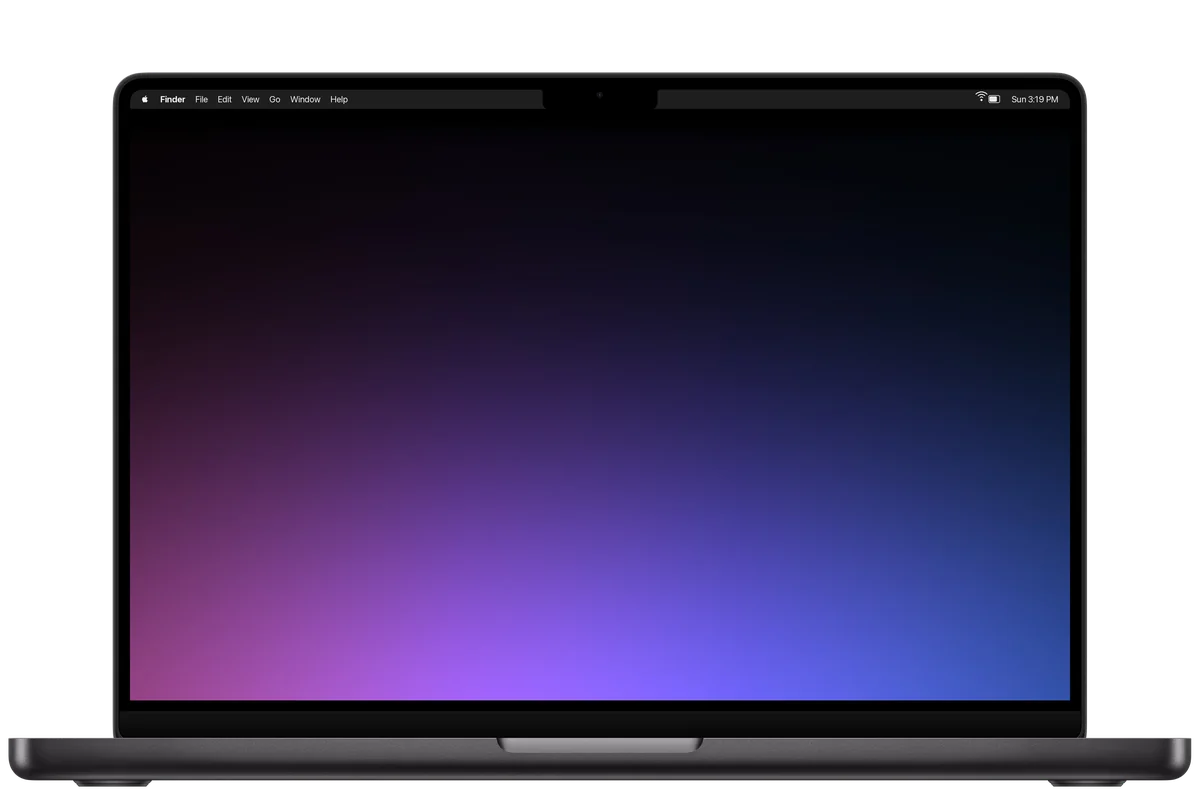
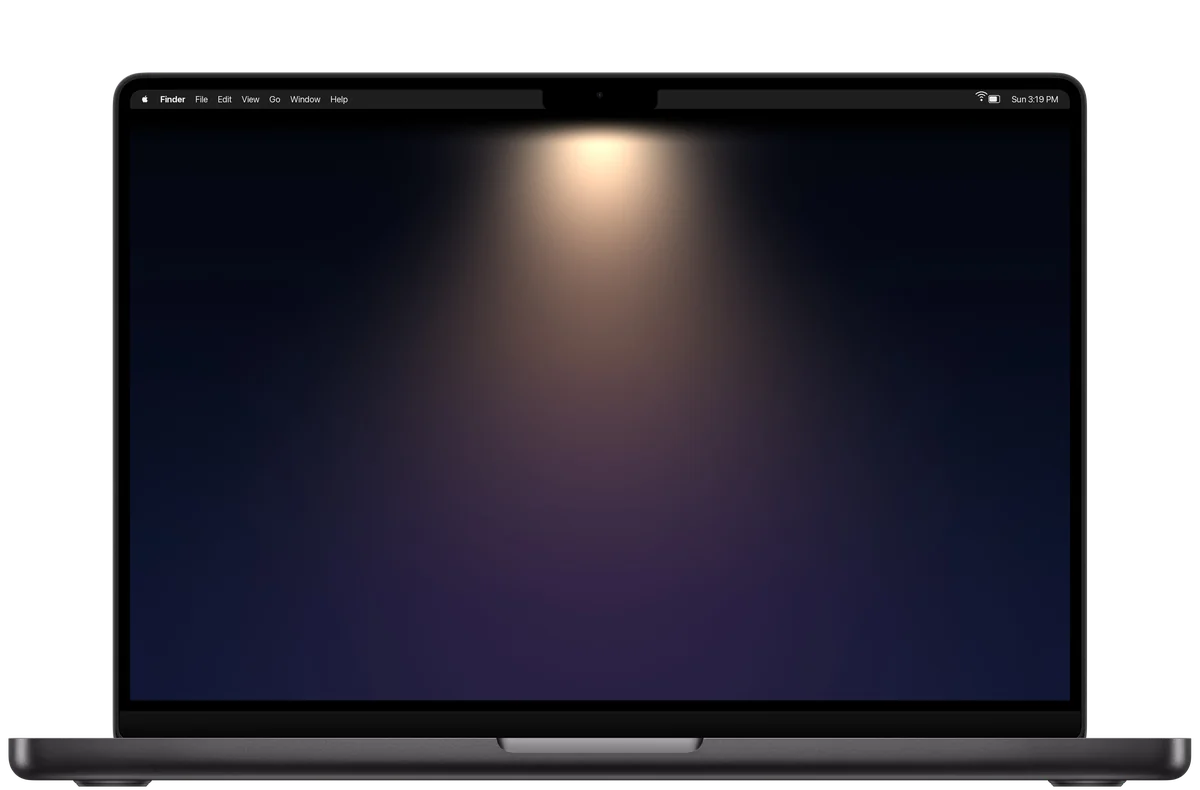
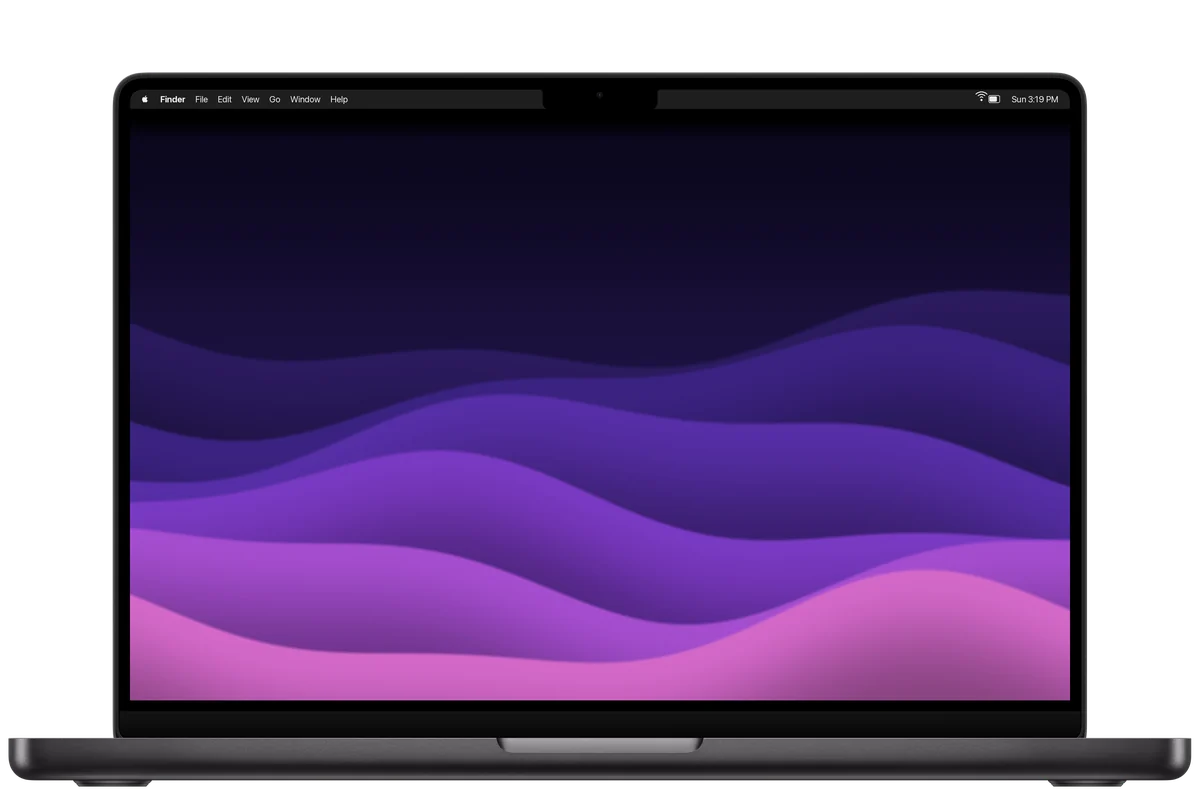
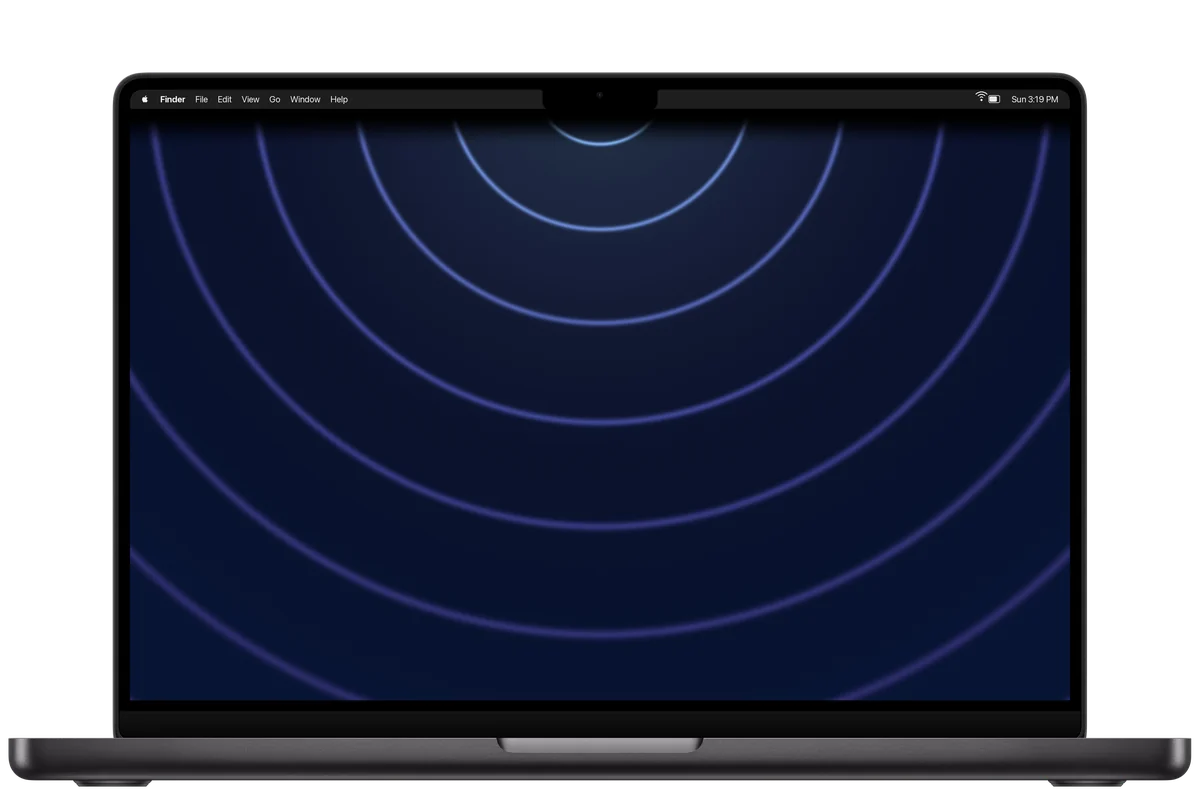
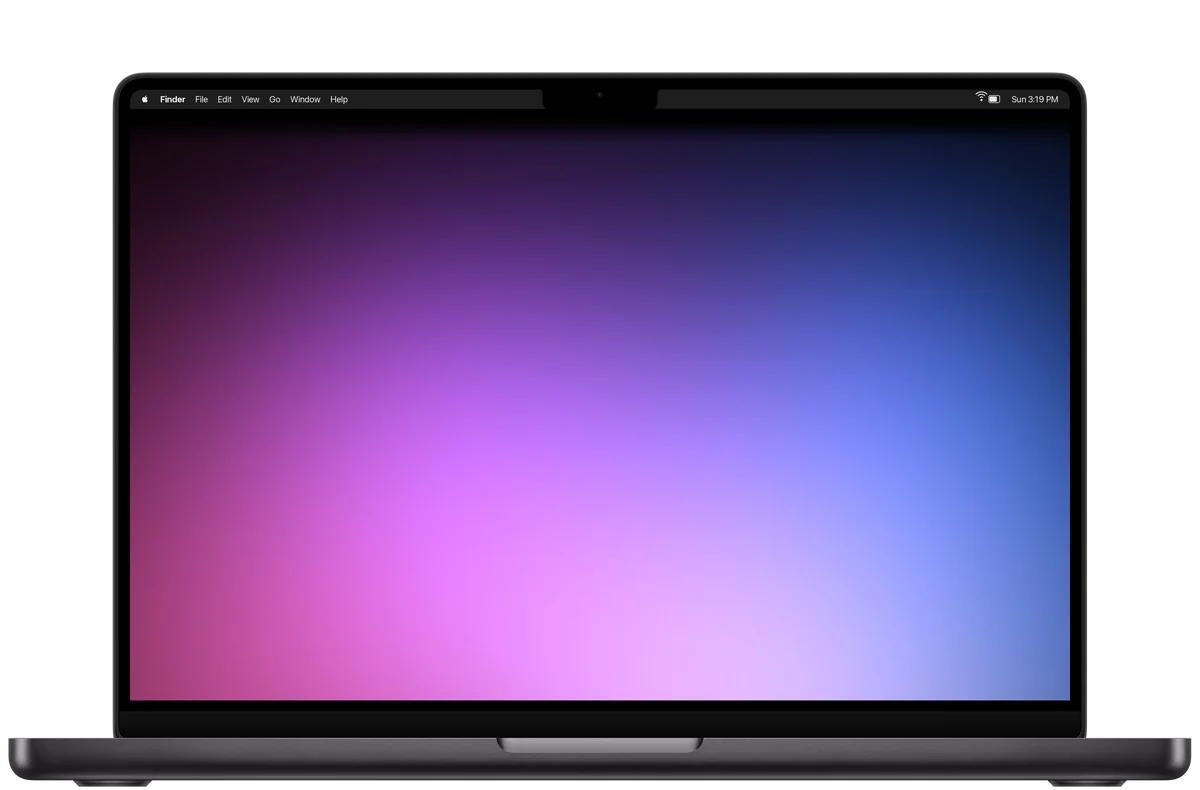
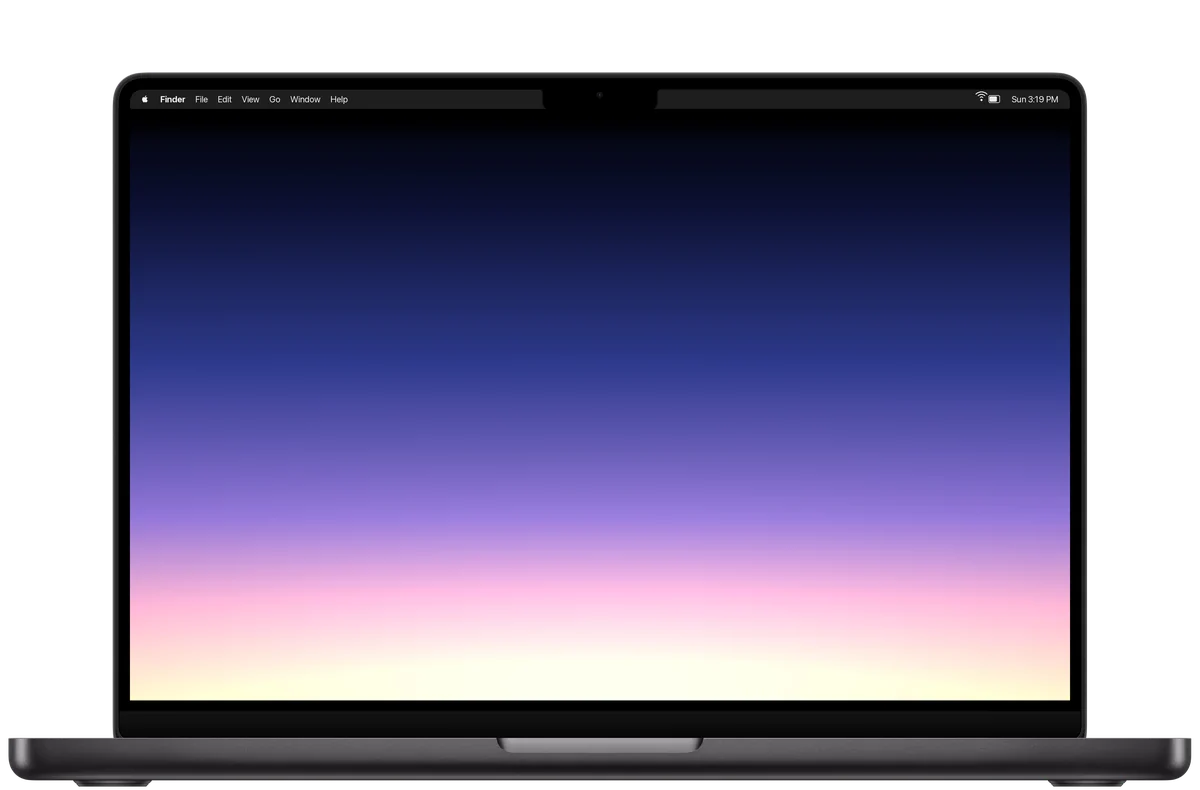
Click Download, then Control-click the picture in your Downloads folder and choose Set Desktop Picture. Or open System Settings, choose Wallpaper, and add it with Add Photo.
Each is 3456 by 2234 pixels, the 16-inch MacBook Pro’s own size. On a smaller MacBook it fills the screen just the same, and the black still meets the menu bar.
Want the notch to do something instead?
Tilora turns it into a Dynamic Island: music, your next meeting, files, timers and more. See what it does.
Pricing
One price. Everything in it.
No subscription, no tiers, nothing sold separately. Pay once, and Tilora is yours.
 Tilora
Get Tilora
Tilora
Get Tilora